
QGIS – Creating a Layout
About Course
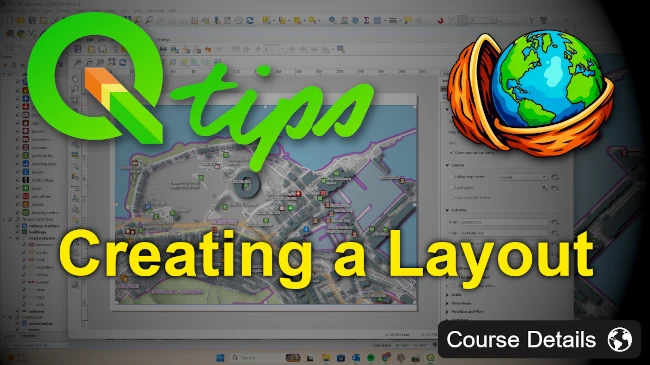
In this course you will learn how to create a professional map layout in QGIS using a pre-configured project. We will add a map to the layout, configure map grids, and insert common layout elements such as titles, legends, north arrows, images, and overview maps. By the end of the course you will also learn how to save your work as a layout template and export the finished map as an image or send it to the printer.
Course Content
Creating a Layout
-
Prepare the lesson files and folders
-
Adding a map
-
Adding the title
-
Adding the legend
-
Adding scales & a scale bar
-
Adding a North arrow & images
-
Creating a map overview
-
Fine tuning the layout
-
Saving and applying layout templates
-
Exporting the layout
-
Creating a Layout quiz.
Student Ratings & Reviews

No Review Yet