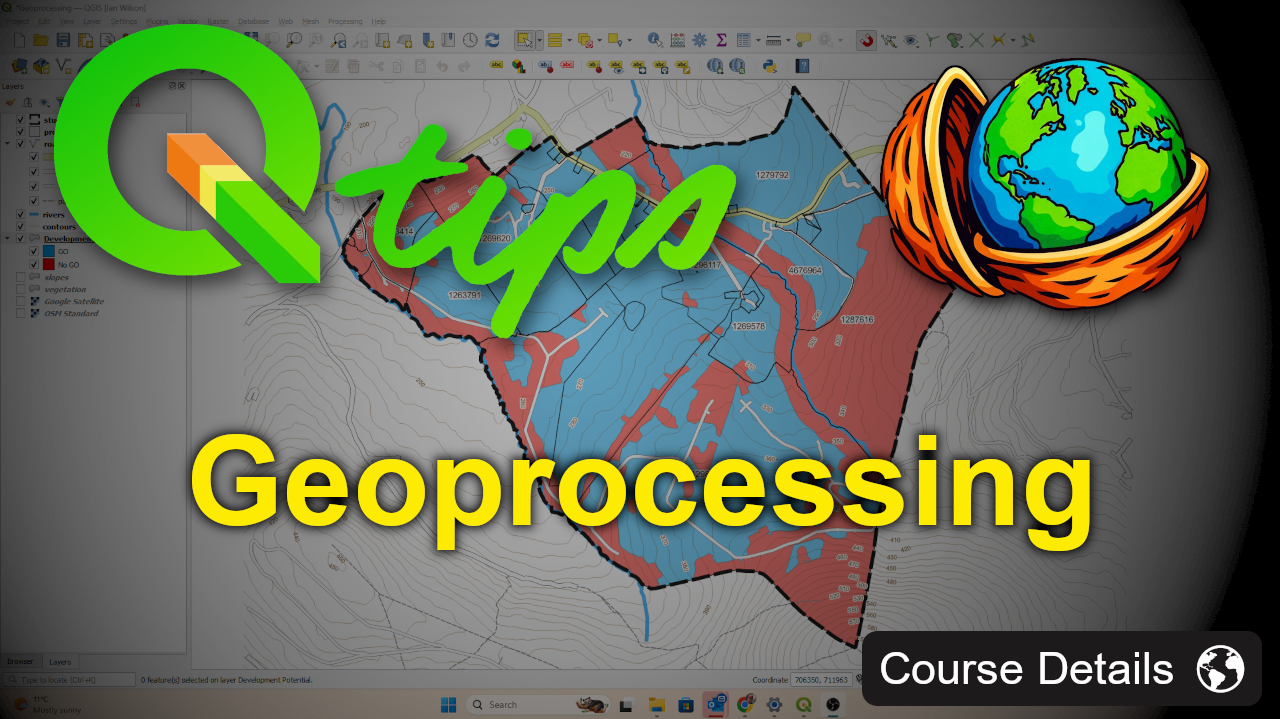
QGIS – Geoprocessing

Wishlist Share

About Course

Course Description: Geoprocessing in QGIS

This course introduces the core geoprocessing tools in QGIS through a practical, real-world style example. You’ll work through simple spatial analysis workflows to create a GO / NO-GO development and Sensitivity layer, combining multiple restrictive datasets such as rivers, vegetation, and slope.

The focus is on understanding how geoprocessing tools work, how layers interact, and why coordinate reference systems and clean data matter when performing spatial analysis. By the end of the course, you’ll have a clear, repeatable workflow that you can adapt to your own projects.

You’ll learn how to:

  • Use key QGIS geoprocessing tools including Buffer, Merge, Dissolve, and Union

  • Apply attribute filters to isolate sensitive features

  • Reproject layers to an appropriate CRS for accurate analysis

  • Combine multiple layers into a single development potential map

  • Calculate area values using the Field Calculator

This course is ideal for learners who already know the basics of QGIS and want to start doing meaningful spatial analysis rather than just viewing data.

Show More

What Will You Learn?

  • Work with a pre-configured QGIS project to focus on analysis rather than setup
  • Apply buffering correctly using an appropriate projected CRS
  • Understand and avoid common CRS-related errors in geoprocessing
  • Merge, dissolve, and union layers to create constraint outputs
  • Convert multipart features into single-part polygons for analysis
  • Calculate and interpret area values for spatial outputs
  • Create a development potential (no-go) layer from multiple constraints
  • Assign and manage sensitivity ratings within attribute tables
  • Combine multiple layers using union for cumulative analysis
  • Calculate a final sensitivity score across multiple factors
  • Style and interpret a sensitivity analysis map

Course Content

Getting Started
Get set up by downloading the course files, extracting them, and opening the QGIS project to follow along.

  • Course overview & setup
  • Understanding the data

Geoprocessing: Development Potential
Use geoprocessing tools like buffer, merge, dissolve, and union to create and refine a development constraint layer.

Geoprocessing: Sensitivity Analysis
This section demonstrates how to use the Union tool to combine multiple restrictive layers into a single sensitivity layer, with a rating field where 0 indicates low sensitivity and higher values represent increasing sensitivity.

Course Summary
A brief discussion on what was covered in the course.

Student Ratings & Reviews

No Review Yet
No Review Yet
Scroll to Top